Changing several videos at once
In your library, tick the videos you want to change. A bar appears along the bottom of the screen with how many are selected.
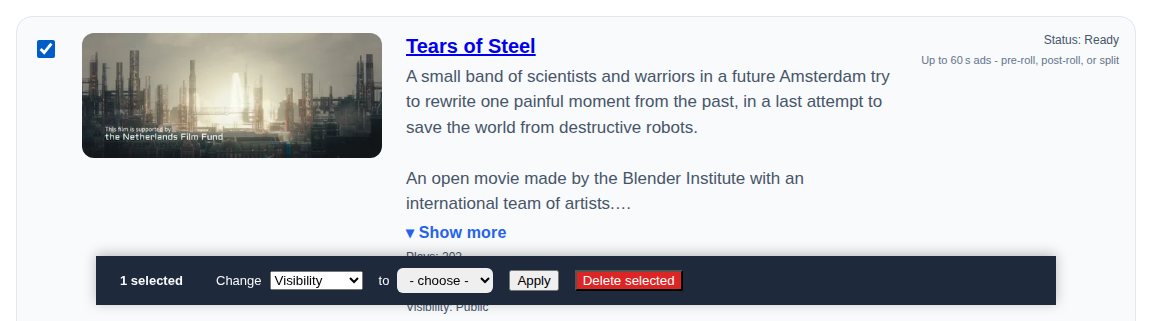
Choose what to change, pick the new setting and select Apply:
- Visibility - public, unlisted or private.
- Genre - one genre for all of them, or No genre.
- Page layout - Use my default, or one of the four layouts. Layouts other than Standard are on the Creator and Pro plans. Each video keeps its year, country, laurels and trailer.
- Add to collection - adds them to one of your collections (it doesn't remove them from others).
Delete selected deletes them. You can restore them from Recently deleted in your library for 8 days.
Only your own videos change. If a video can't be changed (for example, it's in a different channel from the collection), the others still are and the library says how many were updated.